
Graphics settings and frame rate
Native 4K is the most expensive option, HDR is cheap on its own, 120 fps roughly doubles the frame budget, and upscaled textures cost bandwidth rather than frames.
The Enhanced Remaster adds four graphics options — native 4K, HDR, 120 fps support and upscaled textures — and the interesting part is that they do not cost the same. On mid-range hardware you can usually have two.
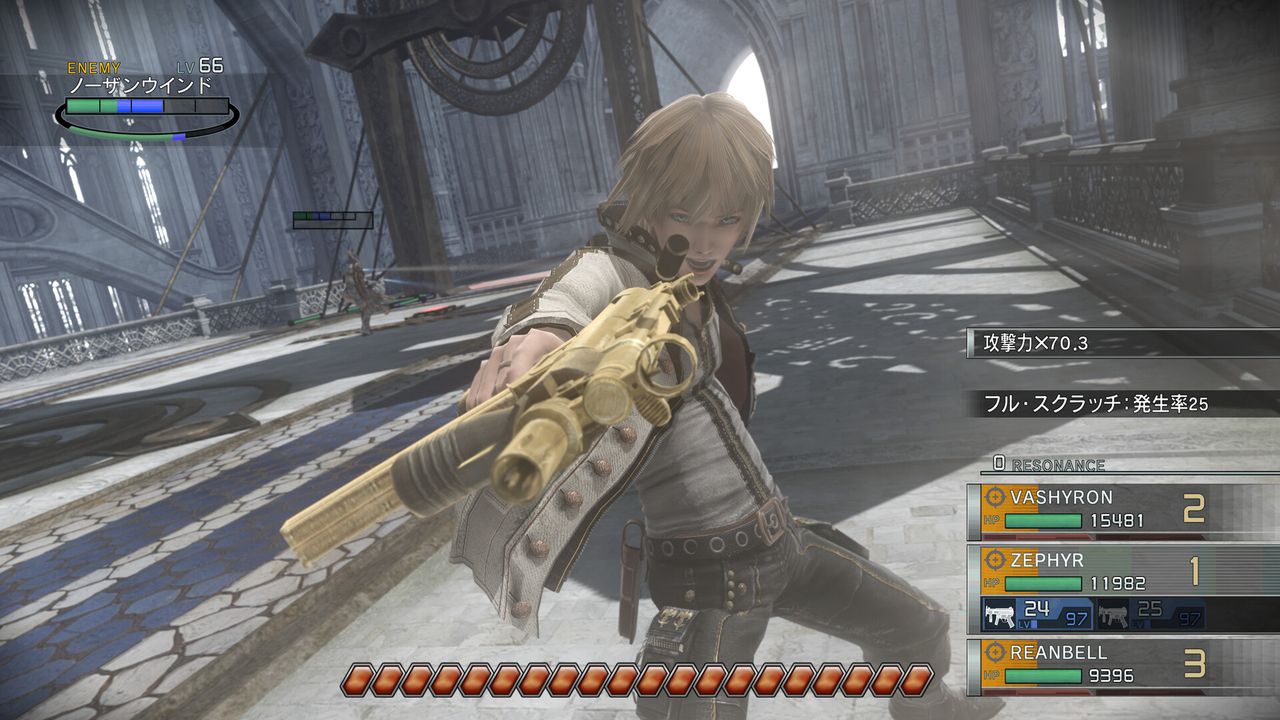
What each option actually costs
| Option | Cost | Visible payoff |
|---|---|---|
| Native 4K | The largest: four times the pixels of 1080p | Sharp edges on a 4K panel; almost nothing on a 1080p one |
| HDR | Small on its own, but usually paired with higher resolution | Lamps, neon and dark interiors stop crushing to black |
| 120 fps | Roughly double the frame budget of 60 at the same resolution | Noticeably smoother motion in Hero Actions |
| Upscaled textures | Bandwidth and VRAM, not frame time | Sharper character faces and industrial surfaces at any resolution |
Three configurations that work
4K at 60 fps, HDR on. The default "looks like the remaster" setting. Needs a card at or above the recommended tier, and the native 4K output is what most of the DLC's marketing is about.
1440p at 120 fps, HDR on. The setting competitive players gravitate to. Hero Actions and charge timing are timing-based mechanics, so smooth motion has a gameplay argument, not just a cosmetic one.
1080p at 60 fps, textures doing the work. What a 1080p monitor should actually run. The upscaled textures are the one improvement that survives a low resolution, and pushing native 4K on a 1080p panel is wasted frame budget.
How to test a change in two minutes
- Load a save in a town area and walk a loop, then fight one random encounter.
- Watch the charge meter rather than the frame counter — charge timing is what a low frame rate distorts most.
- If Hero Actions feel like they stutter, drop the resolution one step before dropping the frame rate cap.
The old options are still there
The 2018 release shipped with a limited graphics menu, and patch 1.0.0.2 added 1600x900 support inside Options, Graphics. That patch also added the executable version to the title bar, which is the quickest way to confirm which build you are on. If your menu lacks the DLC's 4K, HDR, 120 fps and speed entries, the DLC is not active — see DLC install fix.
Things that are not graphics settings but behave like them
- Game speed. The 2x toggle changes pacing, not rendering, but it changes how the game feels more than any single graphics switch. Covered on the 2x Game Speed page.
- Anti-aliasing off at 720p. The store's minimum target explicitly turns AA off, which is a hint that the floor hardware should not be asked for more.
- Windowed versus fullscreen. The 2018 build had map-transition and resolution quirks that patches addressed; the current build handles alt-tab without the old freezes.
Options and patch contents: Steam store page for app 4996080 and Steam news for app 645730, checked 2026-10-31.